How it works
Accrediguide is a shared reference system, not a consulting service.
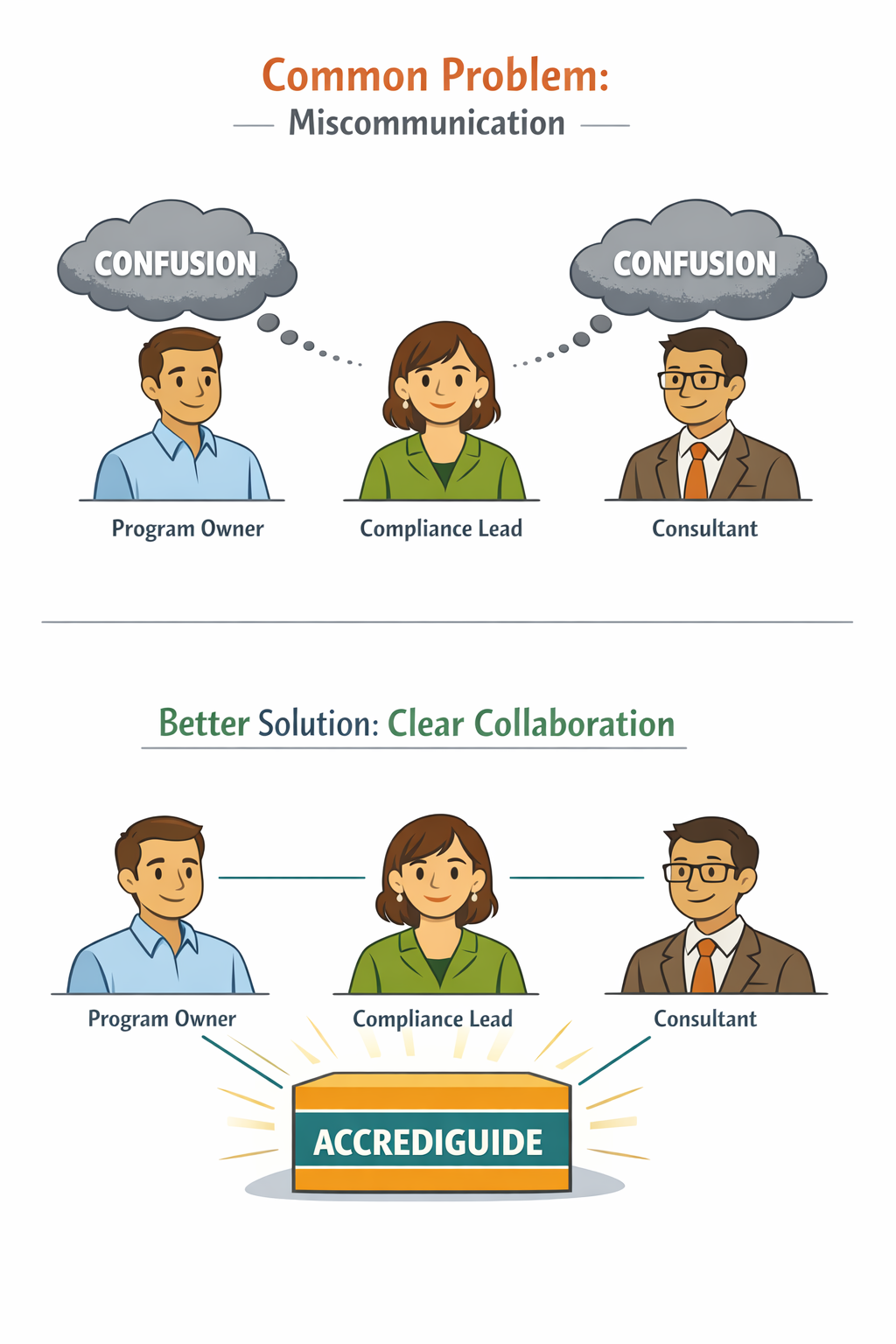
It gives your team a common language for requirements, evidence, and readiness, so owners, compliance leads, and consultants can work from the same source of truth.
From setup to review-ready in five steps.
Select your authority and program type
Start by selecting your licensing authority or accreditation body and program type. Accrediguide uses this context to scope what applies, and just as importantly, what doesn't.
Track evidence to specific requirements
Every requirement links directly to:
- Tasks that satisfy it
- Evidence that proves it
- Status and review history
When something is missing, you know exactly why. This creates a shared set of terms your entire team can point to, instead of relying on memory, interpretation, or secondhand explanations.
See your readiness at a glance
Get a clear overview of:
- Required evidence items
- What's complete
- What's missing or outdated
Everything is grouped the way reviewers think, not the way software usually does. Readiness reflects organization and completeness, not a judgment or approval. You stay in control of decisions and interpretations.
Prepare for inspection or survey interactions
External reviews aren't just about documents. Reviewers ask questions. Our preparation guidance helps your team:
- Understand the intent behind each requirement
- Know what claims to make and evidence to reference
- Speak confidently using the language reviewers expect
Everyone on your team, from the CEO to front-line staff, can prepare with clarity. The depth and format of these interactions varies by authority.
Accrediguide explains intent and common verification approaches, but it does not advise on how your organization should operate or what choices to make.
Generate an evidence summary for reviewers
Export a professional report that shows reviewers exactly what they need:
- Your organization's details and contact information
- Evidence organized by compliance domain
- Direct links to documents, policies, and systems
Print it or save as PDF. The report reflects how you've organized and described your evidence, so conversations stay focused and factual.
What Accrediguide does (and does not do)
Accrediguide provides
- A shared reference for requirements, evidence, and readiness
- Clear explanations of intent and common verification methods
- Tools to organize, review, and present your own evidence
Accrediguide does not
- Provide consulting, coaching, or operational advice
- Tell you what decisions to make or approve your materials
- Replace licensed consultants or legal professionals
Ready to get started?
Start your 1-year free trial. No credit card required.